Table of Content
Home health monitoring means devices at home send real health data to a clinician, who acts on it between visits instead of waiting for the next appointment.
This is not new or experimental. According to CMS (2026), Medicare began covering remote patient monitoring in 2018, and the number of patients receiving it has grown significantly every year since. The same page flags the weak spot: many patients never get the education or setup help that makes a device work.
What Devices Actually Help Watch Over an Older Parent at Home?
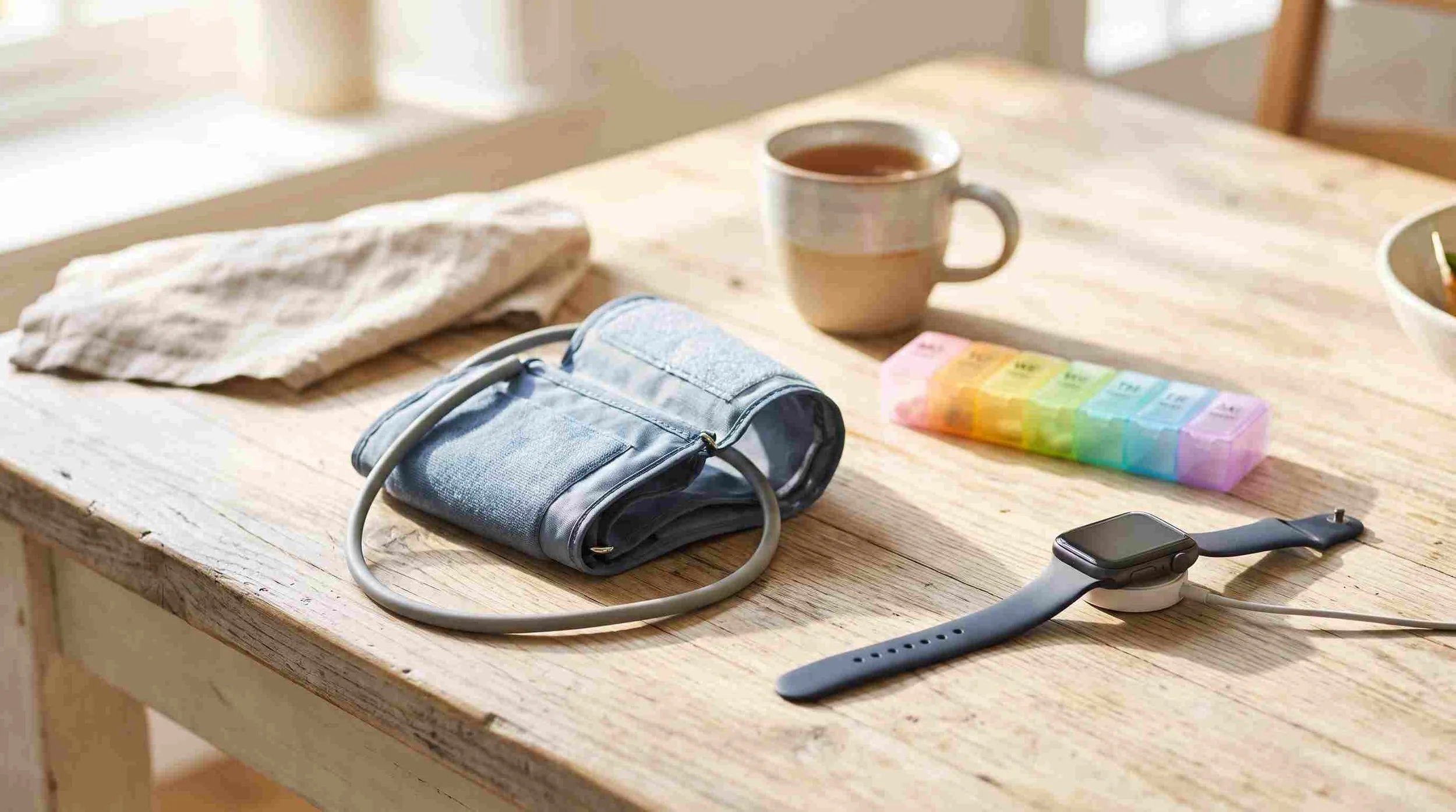
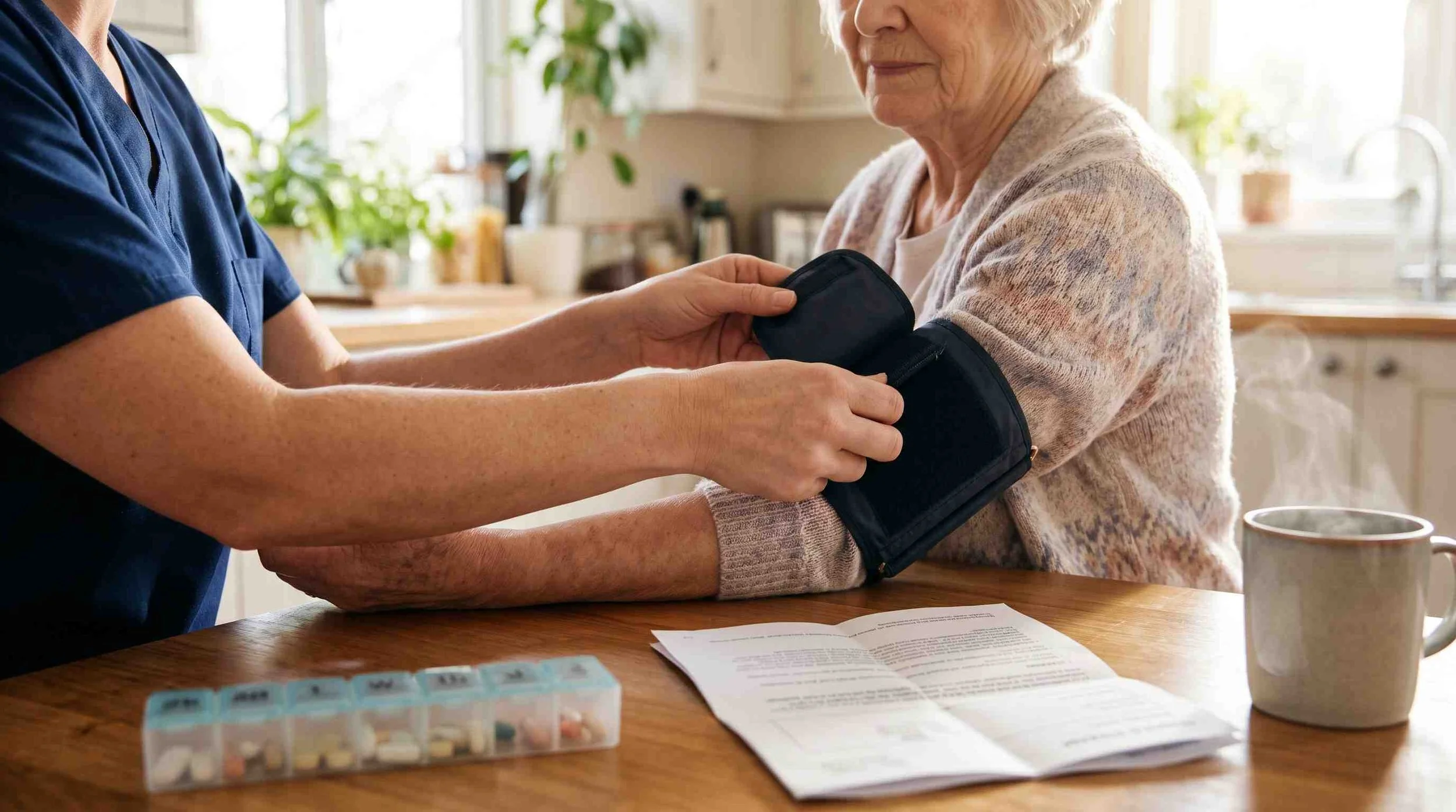
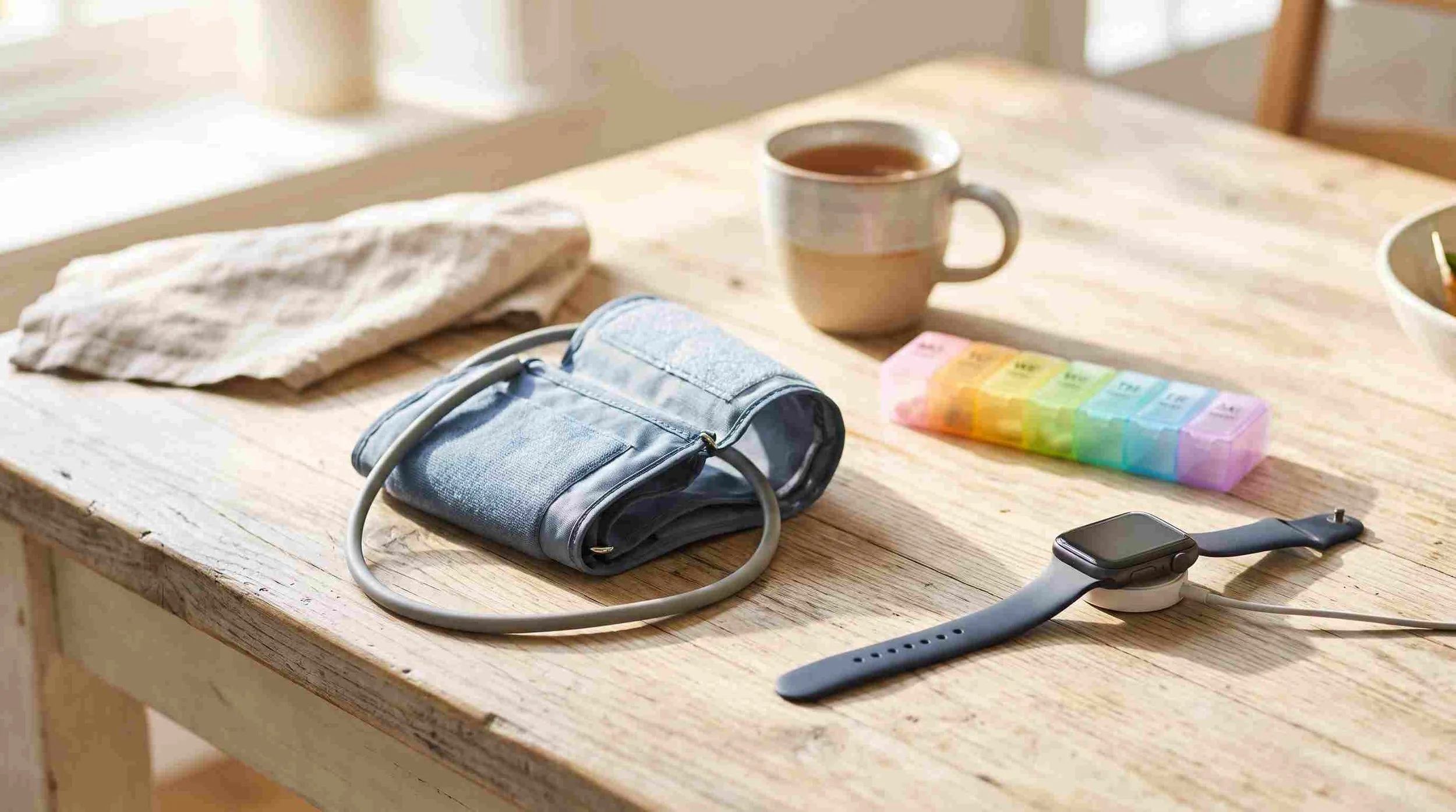
The ones a clinician is reading. A cuff that stores numbers nobody reviews changes nothing. A cuff whose readings land in a nurse's queue every morning changes how quickly a medicine gets adjusted, and that is the whole difference between a gadget and a monitoring program.
The Four Categories That Cover Most Homes
Four categories cover almost everything on the market, and they answer different questions.
|
Device |
What It Actually Tells You |
|---|---|
|
Blood pressure cuff or scale |
Daily numbers a clinician can act on between appointments |
|
Wearable with heart rate and activity |
Trends in rhythm, movement and sleep across weeks |
|
Alert button or fall sensor |
That help is needed, and how long someone has been down |
|
Door, bed and motion sensors |
Patterns at home: sleep, meals, bathroom trips, leaving the house |
A 2026 systematic review in the Australasian Journal on Ageing looked at 30 smart home studies from 10 countries and found that these systems supported physiological monitoring, safety, emergency detection and cognitive support. Some studies reported less healthcare use and better quality of life. The authors were careful to note how mixed the evidence still is.
Choosing By Problem, Not By Catalog
Start with the problem, not the catalog. Missed medicines, blood pressure swings, a parent who lives alone, and a parent who has already fallen all point to different equipment. Buying a bundle and sorting it out afterward is how boxes end up unopened in a closet.
Is Remote Monitoring Care or Surveillance?
It becomes surveillance when the person being watched did not agree to it. That is the honest line, and families cross it more often than they realize, usually with good intentions and a camera.
The research names the same worry. The smart home review above listed privacy, cost, technical reliability and digital literacy as the main barriers to these systems working at all. Privacy is not a soft objection that fades once the equipment arrives.
A few decisions keep it on the right side. Tell your parents exactly what each device records and who sees it. Keep cameras out of bedrooms and bathrooms, and consider skipping cameras entirely in favor of sensors that report patterns rather than pictures. Let your parents see their own data, and give them a way to switch something off. A system someone agreed to tends to stay plugged in.
Can Telemedicine Replace a Visit to the Doctor?
For some things, yes. For others, no, and the difference is physical contact. Mayo Clinic (2024) describes virtual visits as useful for primary care for many conditions, access to specialists, and care for people with limited mobility or transportation, while noting the risk of gaps when care gets fragmented across platforms.
What a Video Visit Does Well
Follow-ups, test results, medicine reviews, rashes a camera can show, and the long conversations that get rushed in a clinic room all work on video. Mental health care is one of the strongest fits, which is why telehealth psychiatrists such as Kristina Purganan, DO see adult and older patients this way across several states.
What Still Needs Hands
Listening to lungs, pressing on an abdomen, checking balance, looking in ears, drawing blood, and judging how someone really moves around their own kitchen all need a person in the room. That is where a doctor who comes to the house fills the gap that video leaves, especially for someone who cannot easily travel to an office.
The practical answer is usually both. Video for the routine, an in-person exam when something changes, and monitoring data running underneath so neither visit starts from zero. Our guide on how in-home care keeps you out of the ER covers what that mix prevents.
How Reliable Are Fall Sensors and SOS Buttons?
Better than nothing, and short of perfect. A 2026 meta-analysis in Frontiers in Public Health pooled 20 studies of wearables used to predict future falls and found specificity of 0.89 with sensitivity of just 0.55. In plain terms, these devices rarely raise a false alarm about someone who is steady, and they miss roughly half the people who go on to fall.
Automatic fall detection is a separate job from prediction, and it has improved. A 2025 review in Sensors found that newer systems combining sensors, connected devices and machine learning detect falls more accurately and cut response times, while noting the technology is still developing.
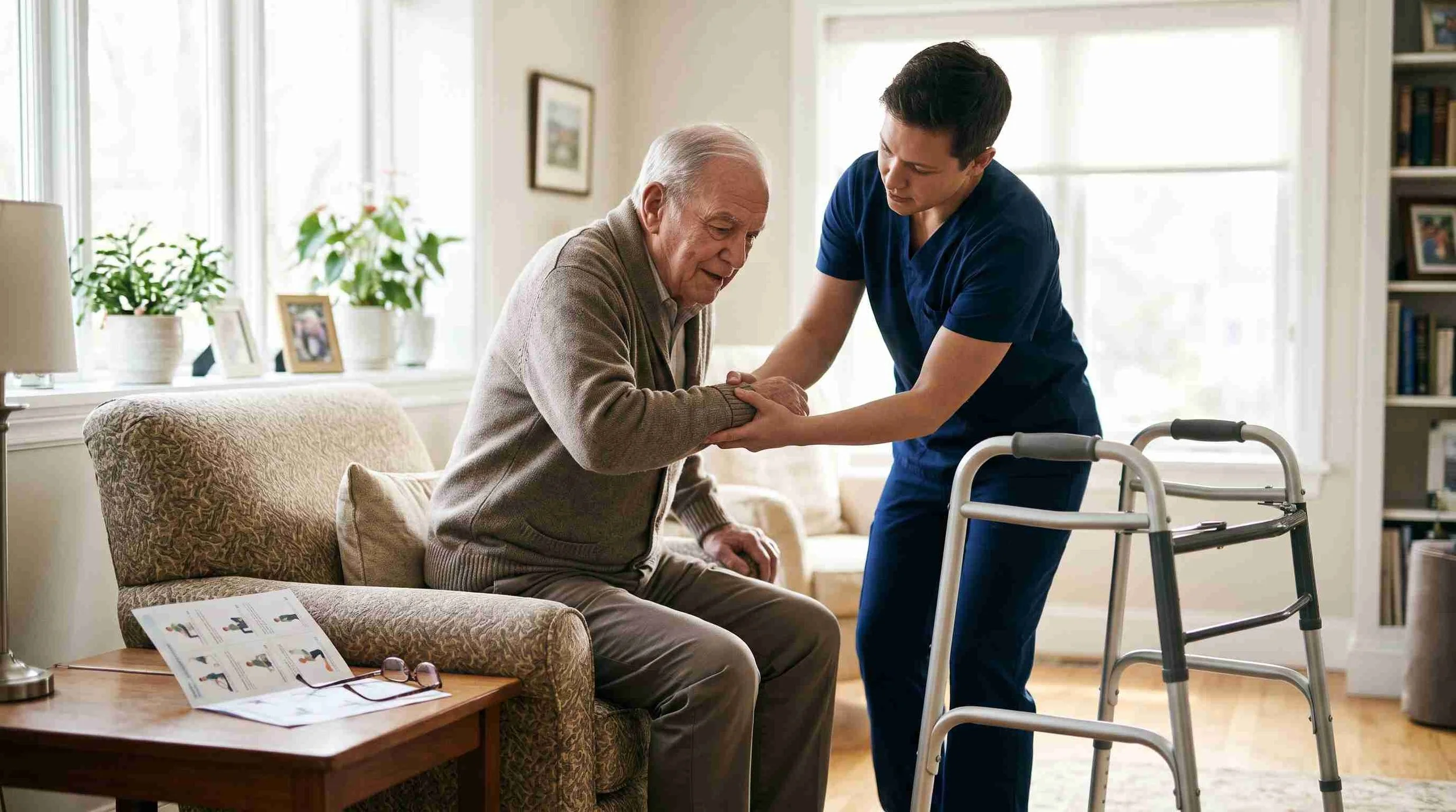
Plan around the gap. A button your parent can press is still the most dependable alert in the house, which means it has to be worn, not left on a nightstand. Check what happens when the power or internet goes out, who answers the call, and how long it takes. Many families pair an alert device with the kind of basic safety equipment that prevents the fall in the first place.
Can an Older Person Manage Technology Alone?
Often yes, if the setup is done for them and the daily job is small. One cuff, one button, one charging habit is manageable. Four apps with separate passwords is not, and that is a setup problem rather than an age problem.
The CMS guidance makes the same point from the clinical side: patients frequently do not receive education or help with device setup, which is one reason monitoring programs fail quietly. Ask who installs it, who checks that data is arriving, and who to call when it stops.
Design for the worst day, not the best one. Devices should charge in an obvious place, work without being unlocked, and have a backup for the moment the Wi-Fi drops. For a parent who lives alone, that planning matters more than any feature list, as our guide on getting sick when no one is there to help explains.
How Do You Start Without Buying Everything at Once?
Pick one problem and solve it for a month. If blood pressure is the worry, start with a cuff and a clinician who agrees to look at the readings. If falling is the worry, start with an alert device and clear the hallways. One device that gets used beats five that get ignored.
Write down what you want the technology to catch, in a sentence. Rising blood pressure before it causes a hospital trip. A night on the floor. Weight climbing before the legs swell. If a device does not catch the thing you wrote down, it is the wrong device, however good the reviews are.
Add equipment as the situation changes rather than ahead of it. After a hospital stay, the needs shift quickly and some of them are not electronic at all, which is the point of our checklist on what to set up before a parent is discharged.
FAQ
-
It depends on the service. Some connect to a monitoring center staffed around the clock, others call a list of family numbers in order. Ask for the exact sequence and test it once while your parent is sitting comfortably.
-
Many run on a cellular signal rather than home Wi-Fi, which keeps them working during an outage. Check the backup battery life too, since power cuts and internet cuts often arrive together.
-
Ask before signing anything. A good provider will tell you where data is stored, how to export it, and what happens to the account if the service ends or the subscription lapses.
-
Some smartwatches attempt both, with mixed results. A dedicated alert device tends to be more reliable for emergencies, while a watch is better at tracking trends over weeks.
-
Yes, in a different way. Caregivers see what happens during their shift; sensors and cuffs fill in the overnight hours and the days between visits, which is often where changes begin.
-
That belongs in the agreement, not in hope. Ask how often someone reads the data, what threshold triggers a call, and what happens on weekends before you commit to a program.
Sources Used
A Comparative Overview of Technological Advances in Fall Detection Systems for Elderly People – Sensors (2025)
Accuracy of wearable devices in predicting falls in older adults: a systematic review and meta-analysis – Frontiers in Public Health (2026)
Remote Patient Monitoring – CMS (2026)
Smart Home Technologies for Ageing in Place: A Systematic Review of Health Outcomes, Independence, Healthcare Utilisation and Implementation Considerations – Australasian Journal on Ageing (2026)
Telehealth: Technology meets health care – Mayo Clinic (2024)

Written by Sofiia Puhach
November 21, 2026
You May Also Like